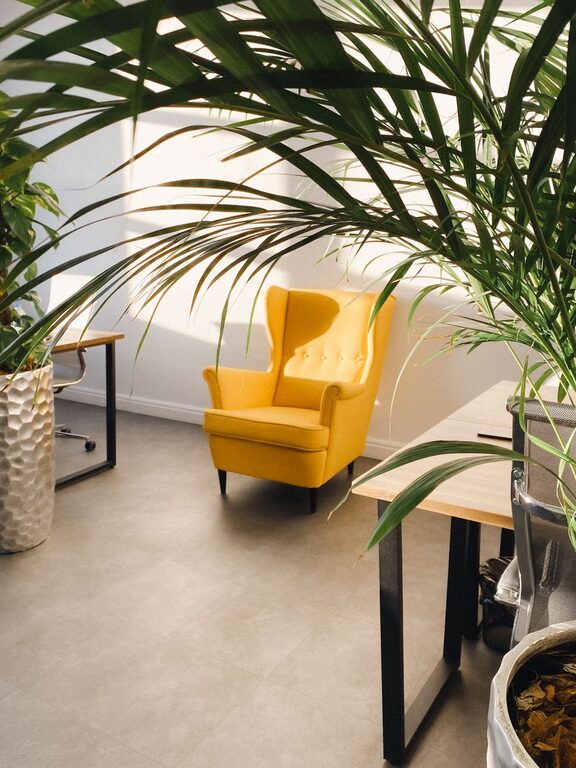

Creating a productive home office environment is essential for anyone working remotely or managing projects from home. A well-organized, comfortable space can improve focus, reduce stress, and help maintain a good work-life balance. Whether you have a dedicated room or a small corner in your living space, these tips will guide you toward designing a workspace that suits your needs and helps you stay productive.
Choose the Right Location
Selecting the best spot for your home office is crucial. Ideally, pick a quiet area with minimal distractions and good natural lighting. If possible, avoid high-traffic zones or places close to the kitchen or living room where interruptions are more frequent. A dedicated space lets your brain associate that area with work, improving concentration.
Optimize Your Lighting
Proper lighting can make a big difference in how energized and alert you feel during work hours.
– Natural Light: Position your desk near a window to take advantage of natural sunlight, which can enhance mood and reduce eye strain.
– Task Lighting: Use a desk lamp with adjustable brightness for focused tasks and to avoid harsh shadows.
– Ambient Lighting: Complement natural light with ceiling lights or floor lamps to illuminate the room evenly.
Avoid placing screens directly in front of or behind bright windows to reduce glare.
Invest in Comfortable Furniture
Comfortable furniture supports productivity by preventing discomfort and fatigue.
– Ergonomic Chair: Choose a chair with adjustable height, lumbar support, and comfortable cushioning.
– Desk: Select a desk at the right height to maintain good posture. Consider standing desks or adjustable desks to switch between sitting and standing.
– Accessories: Use an external keyboard, mouse, and monitor stand if working on a laptop to create an ergonomic setup.
Comfortable furniture helps maintain focus and reduces the likelihood of physical strain.
Organize and Declutter
Clutter can distract and make it harder to focus. Keeping your workspace tidy means everything you need is within reach and reduces stress.
– Storage Solutions: Use shelves, drawers, or bins to store supplies and paperwork.
– Minimal Decor: Keep decorations simple and meaningful to avoid distractions.
– Daily Clean-Up: Spend a few minutes at the end of each day organizing your desk.
Digital decluttering is also important — keep your computer files organized and your desktop clean.
Personalize Your Space
Adding personal touches makes your workspace inviting and motivates you to spend time there.
– Plants: Indoor plants can improve air quality and add a calming green element.
– Artwork or Photos: Display items that inspire you, such as motivational quotes or family pictures.
– Color Scheme: Choose colors that promote focus or relaxation. Soft blues and greens often work well.
Balance personalization with professionalism, especially if you have video meetings.
Minimize Distractions
Reducing interruptions is key to maintaining productivity.
– Set Boundaries: Communicate your work hours and boundaries with family members or roommates.
– Noise Control: Use noise-cancelling headphones, white noise machines, or calming music to block out disruptive sounds.
– Limit Digital Interruptions: Turn off non-essential notifications on your devices during work sessions.
Creating an environment that supports focus will help you complete tasks efficiently.
Establish a Routine
A routine helps your mind transition into work mode and maintain productivity throughout the day.
– Start Time: Pick a consistent time to start work each day.
– Breaks: Incorporate short breaks to stretch, hydrate, and rest your eyes.
– Work Zones: Use your designated office area only for work to reinforce mental separation between work and personal life.
Following a routine can improve time management and make work feel more structured.
Use Technology Wisely
Technology is a great productivity aid but can also become a source of distraction.
– Tools: Utilize productivity apps like task managers, calendars, or focus timers to stay organized.
– Connectivity: Ensure your internet connection is stable and fast.
– Screen Setup: Use dual monitors if possible for multitasking and better workflow.
Regularly update software and maintain security to avoid technical issues.
Prioritize Comfort and Health
Taking care of your physical and mental health is an important part of productivity.
– Ergonomics: Maintain proper posture and take breaks to move around.
– Air Quality: Keep your workspace well ventilated.
– Hydration and Snacks: Keep water and healthy snacks nearby.
A comfortable and healthy workspace supports sustained focus and well-being.
—
By thoughtfully designing your home office environment with these tips, you can create a space that inspires productivity while keeping comfort and focus at the forefront. Small changes can make a significant impact on your workday and overall satisfaction.